DashCam Archive Is Conceived
Joe Hummel ·
Back in September 2024, I needed a better way to offload recordings from a new dash cam system I had installed in my vehicle. I originally installed the cameras after dealing with parking lot damage and seeing an increase in driving incidents where having a camera along as a backup witness seemed like a good idea.
I started with two 128GB microSD cards, the largest my camera supported.
At first, I considered the obvious solution: just buy more cards. A lot more cards.
At over $17 each, that idea got expensive pretty quickly. With my recording settings and daily commute, I was filling a card every four or five days. Keeping roughly three months of footage would have meant buying about 20 microSD cards, with a couple of spares, for close to $350.
That seemed a little ridiculous.
Why keep that much footage in the first place? Because vehicle damage isn't always something you notice when it happens. I don't inspect my car every time I get out of it. A scrape or ding might go unnoticed for days, and by then the dash cam has probably overwritten the recording that could tell me what happened.
Keeping a longer archive would give me the opportunity to go back and investigate. Maybe I did something I shouldn't have. Maybe someone else did. Either way, I'd have a better chance of finding out.
Being the creative engineer that I am, I approached the problem as I would any other system implementation: How can I make this more reliable and convenient?
I was also looking for projects that could help me build my skills using AI tools, and this seemed like a good match. I sat down with ChatGPT and described the workflow I wanted:
- Copy the microSD card to local storage on a portable external USB drive.
- Organize the content into folders for year, month, and recording type.
- Copy that archive to Network Attached Storage (NAS) on my home network as a backup.
Because, of course, as an engineer it has to exist in at least two places. Really three to be sure, but I was trying not to go overboard. ;-)
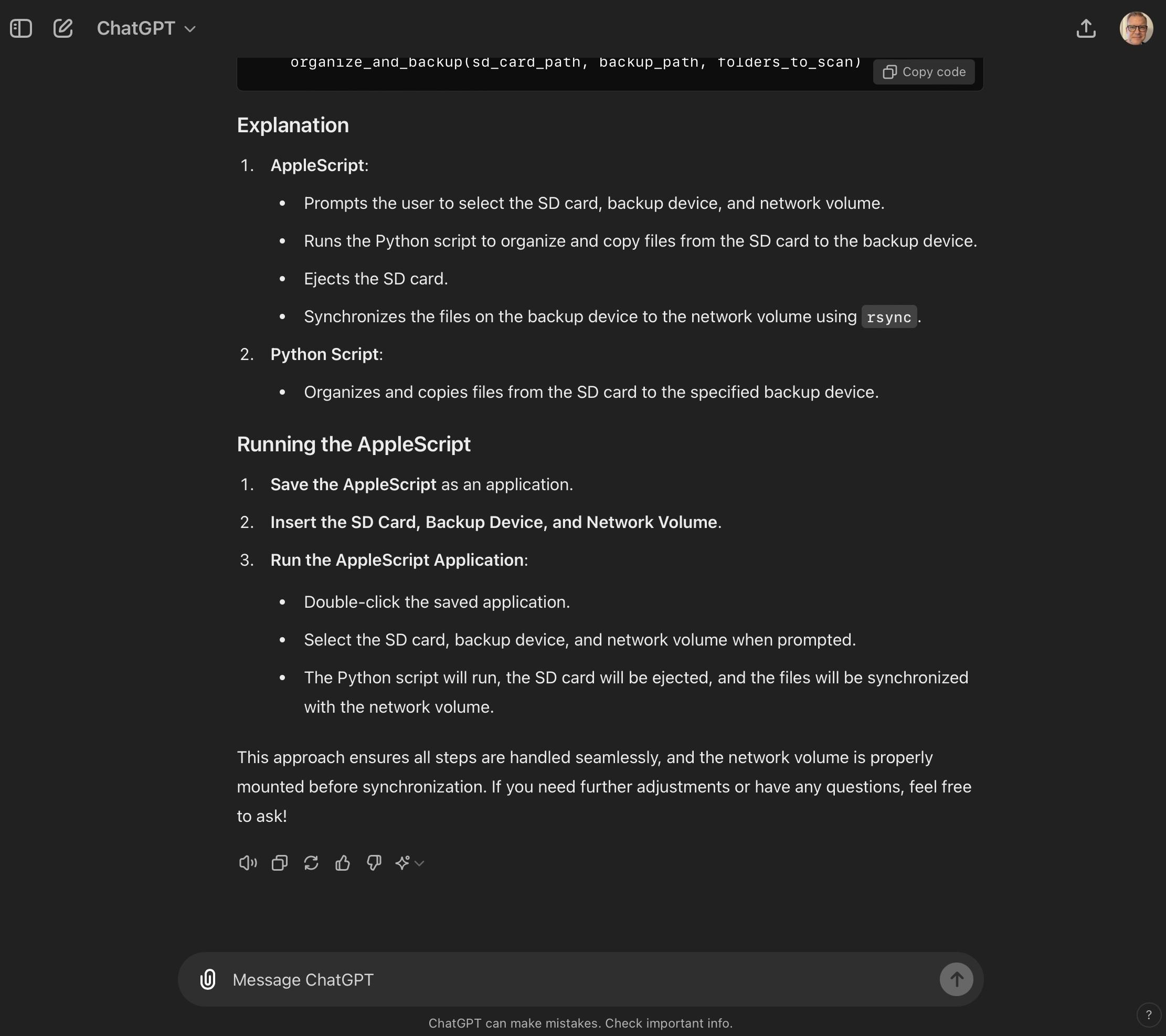
I initially experimented with Apple's Automator. As I worked through the problem, the eventual solution became a combination of Python and AppleScript.
It wasn't particularly sophisticated, but it worked. More importantly, it became the first end-to-end "product" I'd created with the assistance of an AI agent.
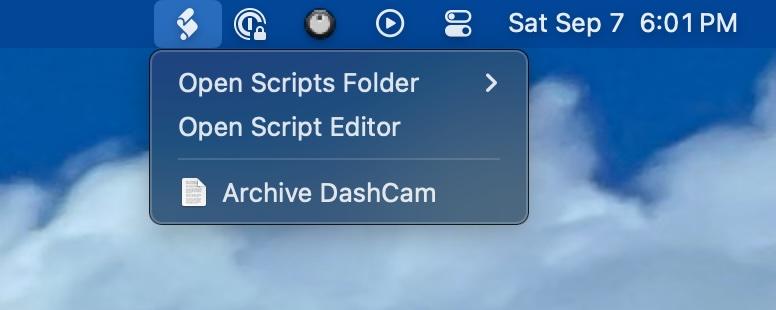
And I used it.
Then tragedy struck my precious home computer.
A carelessly placed glass of water decided to test the intake fans on my Mac Studio. The Mac lost.
It was fried almost instantly.
Luckily, I had AppleCare and was back up and running a few weeks later. But the incident taught me another lesson—the kind you usually learn immediately after it's too late to do anything about it.
My little DashCam utility wasn't properly backed up.
I still had pieces of the original code and some notes, but I'd made changes along the way to the version I actually used. Those changes weren't in source control or properly backed up. The Mac was gone, and with it went parts of the working version of my original DashCam archiving tool.
So, let this be a reminder: back up your work, no matter how trivial it seems at the time.
One of the first things I did after recovering what I could was make sure that mistake wouldn't happen again.
But, as I've often done with the little tragedies in my life, I turned this one into an opportunity.
When I finally sat down to rebuild the utility, I started thinking about what I really wanted it to become.
It began with a fairly innocent question:
Could I organize all these clips and view them through a local web app?
That was the beginning of the rabbit hole.
And the thing about exploring rabbit holes with AI agents is that they're not particularly good at discouraging you from diving deeper.
Somewhere along the way, rebuilding my little utility stopped being a rebuild.
DashCam Archive was born.
In future Notes, I hope to share more about that journey—including how I used AI to help develop the specifications, development plan, and brand guide before writing any code for my first macOS application.